
Next-Gen Web Graphics: Why Image Format Selection Matters for Modern SEO
Published on 15 Agustus 2026
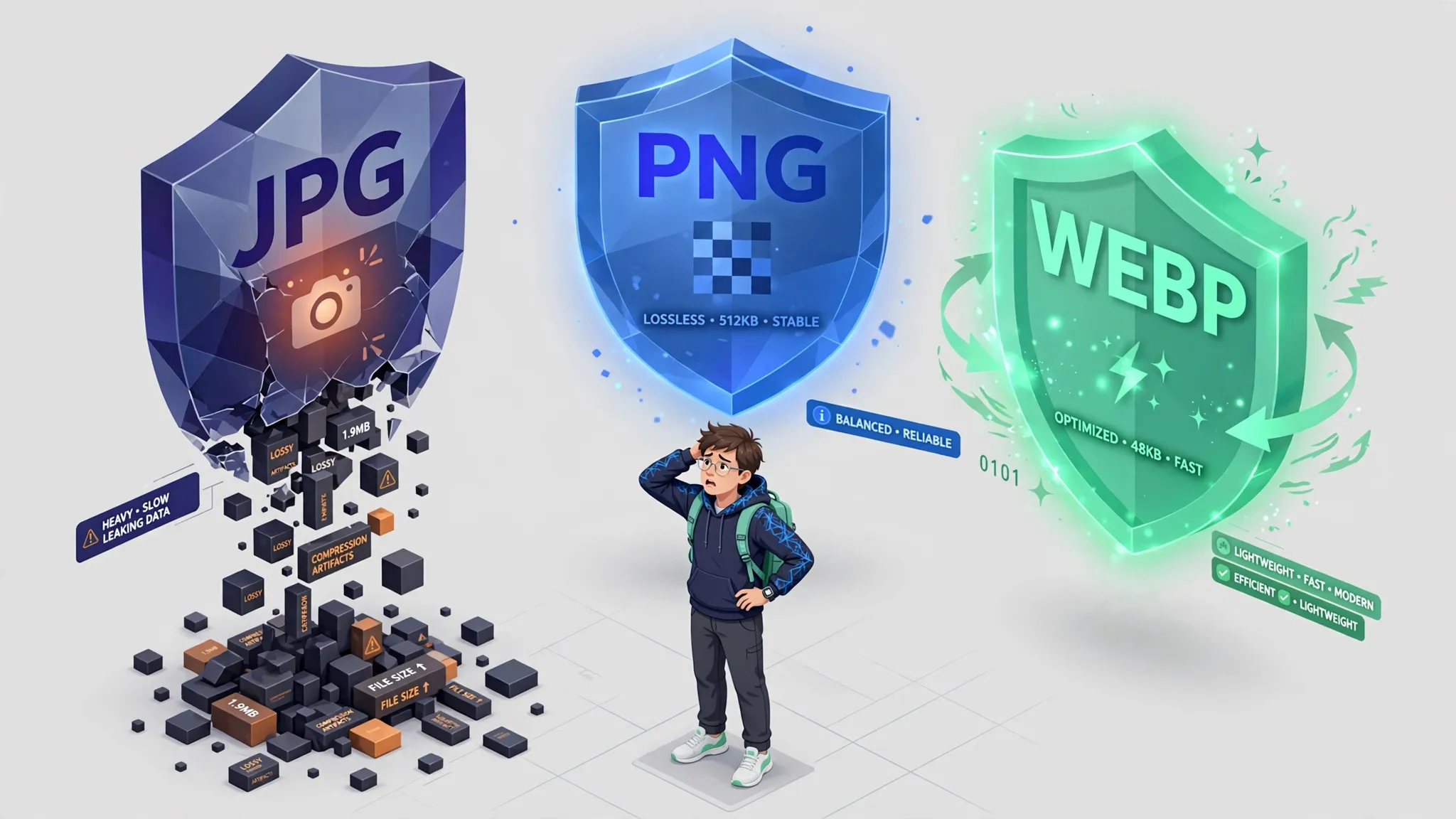
Choosing between JPEG, PNG, and WebP can make or break your website speed. Learn how converting to modern formats boosts your Google search rankings.
The internet has transitioned into a highly visual medium where graphics dictate the quality of user experiences. However, beneath the surface of every digital image lies a complex architecture of file extensions, compression rules, and encoding data. Many website owners, graphic designers, and casual internet users treat all image formats as if they were identical, using JPEG, PNG, and WebP interchangeably without considering the technical consequences.
This lack of strategic formatting creates a massive digital dilemma. Using the wrong image format for a specific task leads to bloated file sizes, pixelated graphics, and slow-loading web pages. To build an efficient platform that complies with modern search engine standards, you must look past the visual aesthetics of an image and master the science of digital image conversion.
The Evolution of Digital Graphic Formats
To understand the necessity of image conversion, one must look at the historical purpose of common web extensions. The Joint Photographic Experts Group (JPEG) format was introduced over three decades ago, designed primarily to store complex color tones found in natural photography using a compression system that discards minor details. On the other hand, Portable Network Graphics (PNG) emerged to offer lossless data retention and background transparency, making it the perfect vehicle for flat vectors, company logos, and sharp typography.
While both formats served the early internet well, they were never engineered for the extreme speed demands of modern web browsing. This historical limitation created a massive technical gap, paving the way for next-generation formats engineered specifically to keep the modern internet moving fast without forcing creators to sacrifice artistic quality.

The Rise of WebP as the Modern Internet Standard
To solve the structural limitations of legacy graphics, Google developed the WebP format. WebP acts as a universal graphic solution by combining the best features of its predecessors into one advanced framework. It delivers the superior color depth of a traditional JPEG and supports the transparent backgrounds of a PNG, yet it manages to do so at a fraction of the file size.
On average, converting an old JPEG or PNG file into a modern WebP format reduces the digital weight of the file by 25% to 35% without a visible drop in sharpness. This structural reduction is achieved through advanced predictive coding, which analyzes neighboring pixels to compress data patterns far more efficiently than older compression systems could ever manage.
The Core Advantages of Regular Image Conversion
Developing a consistent habit of converting your legacy visual assets into optimized web formats yields several immediate operational benefits:
1. Preservation of Layout Transparency
Converting complex design mockups with transparent backgrounds into optimized WebP formats keeps your design layers completely intact. It ensures your branding assets sit seamlessly on top of colored website backdrops without carrying a bulky file size weight.
2. Significant Acceleration of Bandwidth Streams
When your media library consists exclusively of next-generation formats, your server processes data transfers in milliseconds. This speed acceleration provides a smooth browsing experience for users on low-bandwidth mobile networks or strict cellular data plans.
3. Immediate Core Web Vitals Optimization
Search engine crawlers reward websites that transition to modern image formats. By converting your assets, you eliminate the common Google PageSpeed Insights warning that advises you to "serve images in next-gen formats," instantly boosting your technical SEO health scorecard.
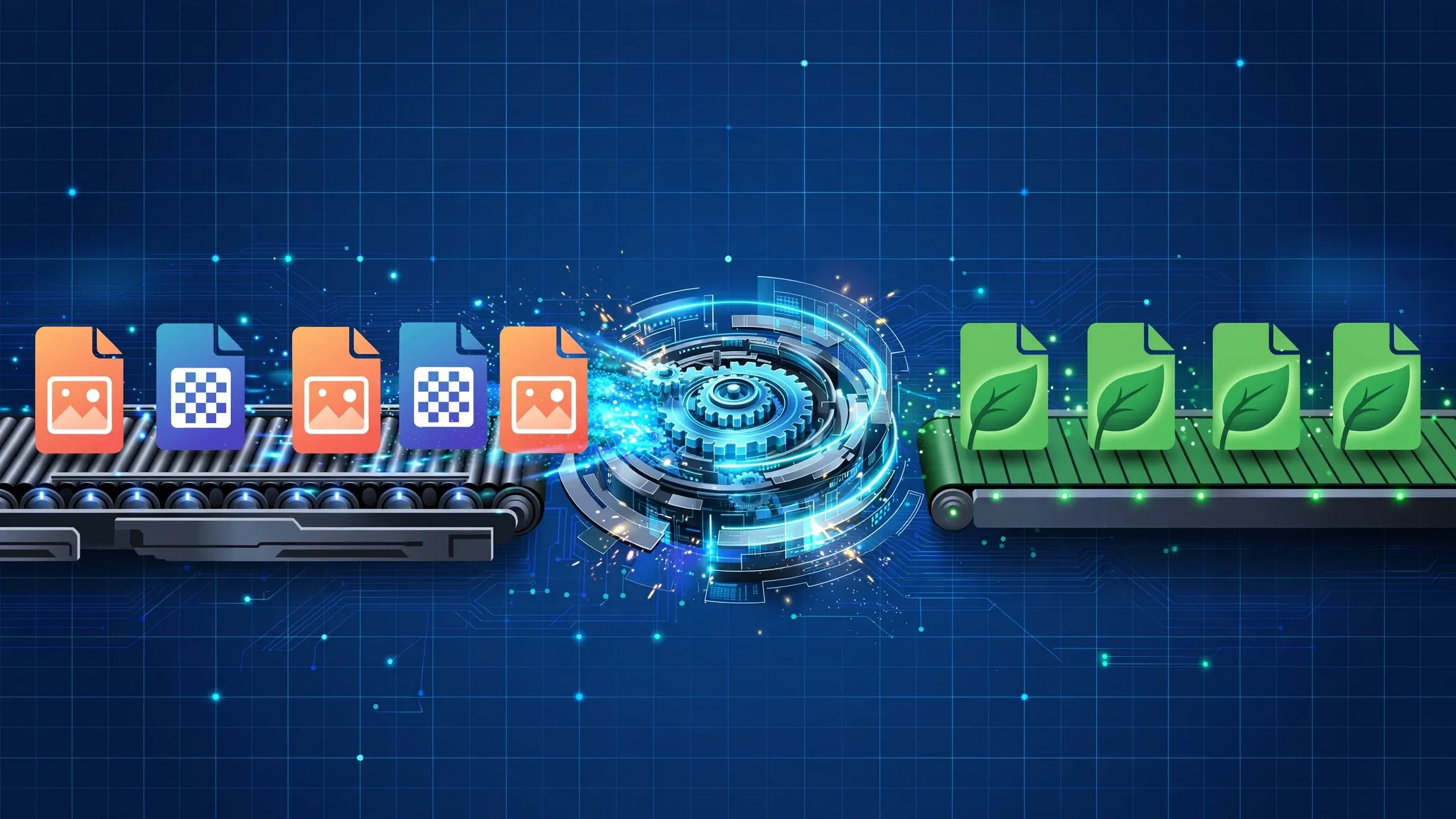
How to Convert Your Images Online Freely and Securely
You do not need specialized desktop software to convert files. Modern browser-based utilities allow you to transition between formats instantly. The most secure routine involves using automated cloud processing pipelines like OraTools, executed through these steps:
Step 1: Select Your Source Assets
Gather the old JPEG or PNG images from your local digital storage drives and check their current file weights.
Step 2: Upload to the Conversion Engine
Navigate to an online image converter tool. Drag and drop your source files directly into the active system upload window.
Step 3: Choose Your Target Extension
Select your desired output configuration from the settings menu. For general website deployment, choose WebP as your destination format. For printing needs, stick to high-resolution formats.
Step 4: Run the Transformation and Download
Initiate the conversion process. The web engine will recalculate the underlying pixel code structures instantly. Download the lightweight, optimized output file to your hard drive, ready for immediate use.