
Merge PDF Files Online for Free Without Losing Quality
Published on 1 Agustus 2026
- combine PDF files
- PDF merger
- merge PDFs free
- online PDF tool
- merge PDF documents
Merge PDF Files Online in Seconds
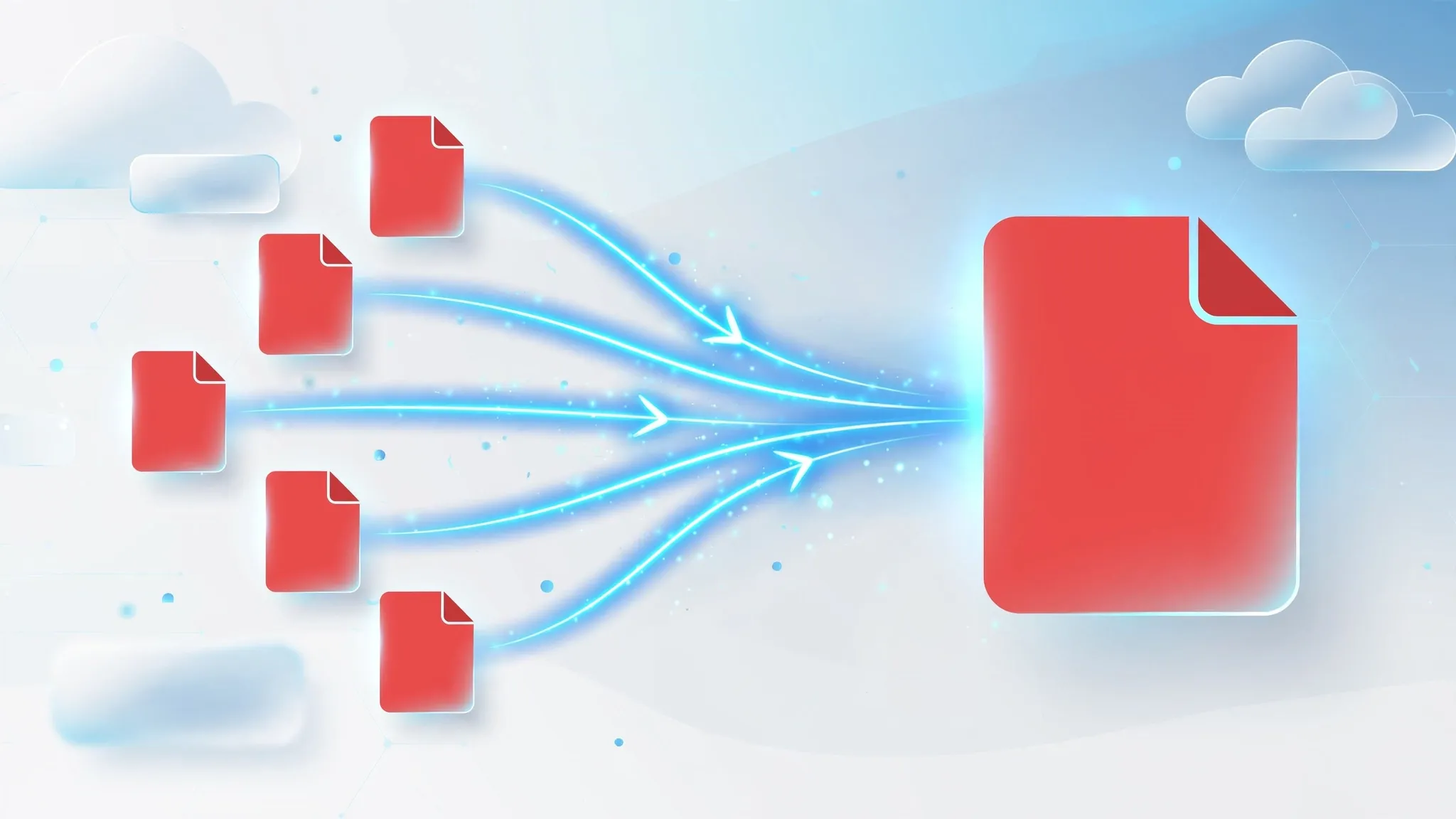
Working with multiple PDF files can quickly become confusing, especially when you're sharing reports, invoices, contracts, or presentations. Instead of sending several separate files, you can combine them into one organized PDF.
Our Merge PDF tool lets you merge multiple PDF documents into a single file in just a few clicks. No software installation is required, and everything works directly in your browser.
Why Merge PDF Files?
Combining PDFs offers many advantages:
- Keep documents organized
- Share only one file instead of several
- Improve document management
- Create professional reports
- Simplify printing
Whether you're a student, office worker, freelancer, or business owner, merging PDFs saves time and keeps your workflow efficient.
How to Merge PDF Files
Using the tool is simple:
- Upload your PDF files.
- Arrange them in your preferred order.
- Click Merge PDF.
- Download your combined document.
The entire process only takes a few moments.
Fast, Secure, and Private
Your privacy matters.
Files uploaded to our servers are processed securely and automatically removed after processing. We never permanently store your documents, helping keep your personal and business information protected.
**
Works on Every Device**
The Merge PDF tool works perfectly on:
- Windows
- macOS
- Linux
- Android
- iPhone
- iPad
Since it runs entirely in your browser, there's nothing to install.
Why Choose Our Merge PDF Tool?
- Free to use
- No registration required
- Fast processing
- Secure file handling
- High-quality output
- Mobile-friendly interface
If you're looking for a reliable way to combine PDF documents online, our Merge PDF tool offers a fast, secure, and hassle-free solution. Upload your files, merge them in seconds, and download a professional-quality PDF instantly.

Merge PDF Files Online
"A well-organized document starts with a single file. Merge your PDFs in seconds and simplify the way you share information."
Heading
Merge Your PDF Files Instantly
Description
Stop sending multiple attachments. Combine your PDF documents into one organized file with our fast, secure, and free online PDF Merger.
Button
Merge PDF Now
Start for Free
Frequently Asked Questions (FAQ)
1. Is the Merge PDF tool free to use?
Yes. Our Merge PDF tool is completely free and works directly in your web browser without requiring registration.
2. Can I merge more than two PDF files?
Absolutely. You can upload multiple PDF documents and arrange them in any order before merging them into a single file.
3. Will the quality of my PDFs change?
No. The merge process combines your files without reducing the quality of text, images, or formatting whenever possible.
4. Are my uploaded files secure?
Yes. Your files are processed securely, and uploaded documents are automatically deleted after processing to help protect your privacy.
**5. Can I reorder PDF pages before merging?
**
Yes. Simply drag and rearrange your uploaded PDF files into the order you want before creating the final document.
6. Does the Merge PDF tool work on mobile devices?
Yes. You can merge PDFs using smartphones, tablets, laptops, and desktop computers without installing additional software.
7. Do I need to install any software?
No. Everything runs entirely online inside your web browser.
8. Is there a file size limit?
File size limits may depend on the platform configuration, but our tool is designed to efficiently handle most everyday PDF documents.